Choosing the Right Gadgets for Home Education
Home education has gone from a quirky alternative to a fully normal part of modern life. Whether you’re teaching your kids, your teenagers, or even yourself, the right gadgets can turn learning from something boring to something exciting.
And whilst browsing places like LaptopsExplained.com can help, we need to break things down to be simpler, with no jargon, no tech snobbery, and just what you actually need. The tech that you choose for home education needs to be what works for your family. So let’s take a look at some of the things that you do need.

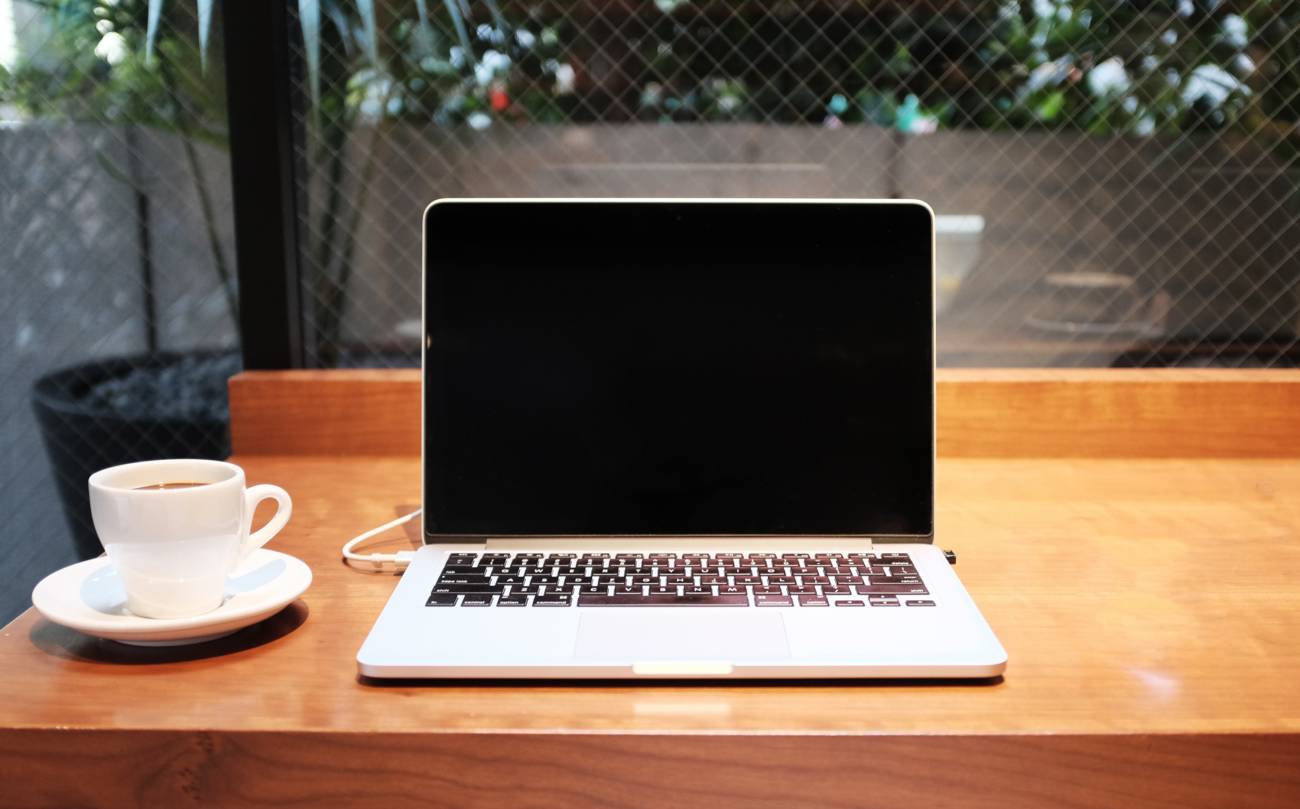
- Reliable laptops or tablets. You don’t need something that could power a NASA launch, but you just need a device with decent speed, enough storage for school files and a battery that doesn’t faint after 40 minutes of maths. If you’re teaching younger kids, tablets with sturdy cases work wonders. For older students, laptops offer more flexibility for typing, researching and running multiple apps without declaring emotional burnout.
- You then need a good set of headphones. No, not the flimsy ones that came free with your phone. Proper headphones that help block out background noise, dogs barking, siblings debating, kettles boiling, and keep everybody focused. You get bonus points if you choose headphones with a built-in mic, because nothing says ‘professional learner’ like being heard clearly on a video call instead of sounding like you’re trapped inside a tin can.
- Don’t forget your printer. Love them or hate them, they’re incredibly useful for worksheets, projects, and anything that needs to be scribbled on. Who wants to go constantly to the print shop to paint a print off things? When you can choose a printer that doesn’t cost a small fortune in ink, you want one that at least lets you scan as well, so you can send completed homework without resorting to badly lit phone photos taken at dramatic angles.
- A proper keyboard and mouse. This is an underrated essential if you’re using tablets. Typing long essays on a touchscreen? No thank you. A Bluetooth keyboard instantly makes writing assignments smoother, faster, and less rage-inducing. A wireless mouse with it keeps it ergonomic and reduces the risk of someone flinging a tablet in frustration because the touchscreen didn’t register their taps.
- Then there’s lighting. Good lighting makes reading easier, reduces eye strain, and stops everyone from feeling like they’re studying in a cave. A simple desk lamp with adjustable brightness works perfectly for this. For video calls, natural light or soft ring lights can help students to feel awake even if they’re just rolled out of bed 5 minutes before class.
If you want to get fancy, consider extra tech helpers like document cameras for demonstrations, ereaders for heavy reading loads or noise machines to create a calm learning zone. None of these are really essential, but they can level up home education and make it feel smoother. At the end of the day, the right gadgets aren’t about buying the most advanced technology, but about selecting tools that support learning and keep things organised.
This is a collaborative post.